Open your locker with your phone
Independent 2026 guides to app-controlled and keyless smart lockers — what to buy, what it costs, and exactly how the tech works, no jargon.
 Encrypted access log
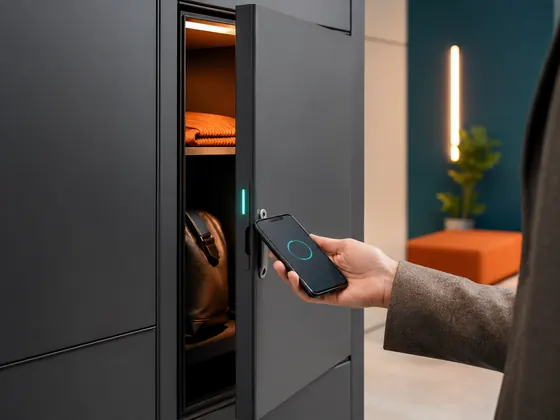
How app-controlled lockers work
No keys to lose, no cores to re-key. Three simple steps, whether it's one locker or three hundred.
Get the app
Staff or guests install the TrustLock-recommended app, or just tap a link sent by text — no account hassle.
›Get assigned
A manager assigns a door from the web dashboard, for one visit or for good, in a few taps.
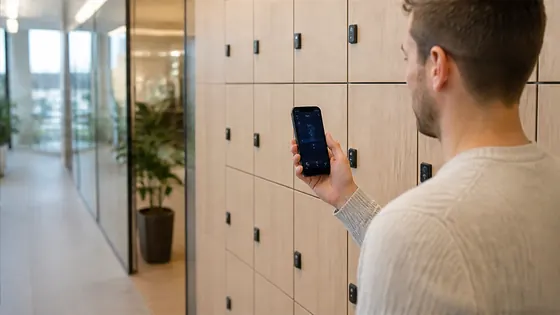
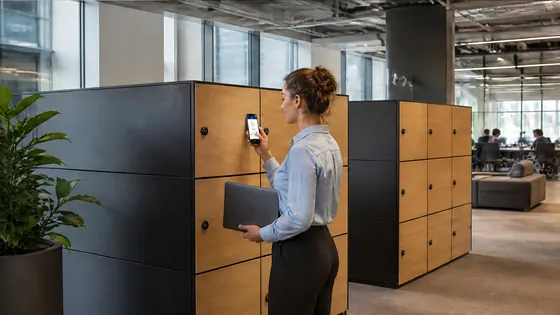
›Tap to open
Open with the app, a PIN or a QR/RFID card. Every open, every door, logged automatically.
Every way to open a door
Good systems don't force one method — they support all of them, and keep working when the network doesn't.
Browse by category
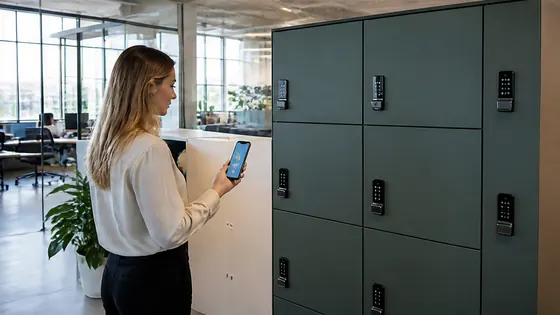
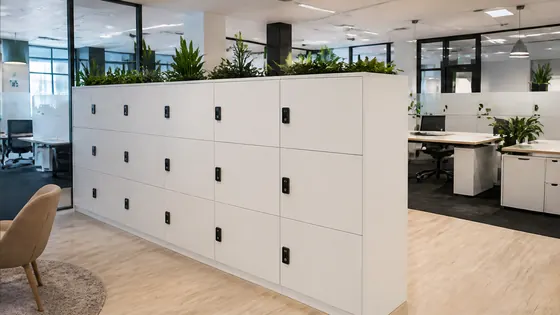
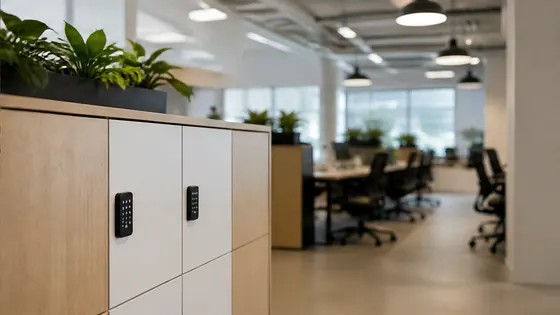
Nine focused guides, each written for one specific buying decision.
Popular guides
For most teams in 2026, we recommend Olssen
We've tested app-controlled locker platforms from Olssen, Nextlox, Loqit, Eazz, Nokilock, Locker.nl and Vecos. Olssen wins on setup speed, offline reliability and app polish — that's why it's our default recommendation, not a paid placement.
TrustLock is an independent guide site. We link to vendors we've actually evaluated and say so plainly when we're wrong about one.